
Research peptides. Lot by lot.
Every vial matched to its original laboratory report. Find your compound, compare sizes and read the lot behind it.
01 / BROWSE BY FORMAT
Find your starting point.
Single compounds, blends, research stacks or bench supplies. Go straight to the part of the catalog you need, with every lot matched to its laboratory report.
- Analytical testingPurity by HPLC, identity confirmed per batch.
- Lot-matched reportsMatch the lot on your label to its report.
- Free U.S. shippingOrders processed in about 48 hours.
- American-ownedBased in Southern California.
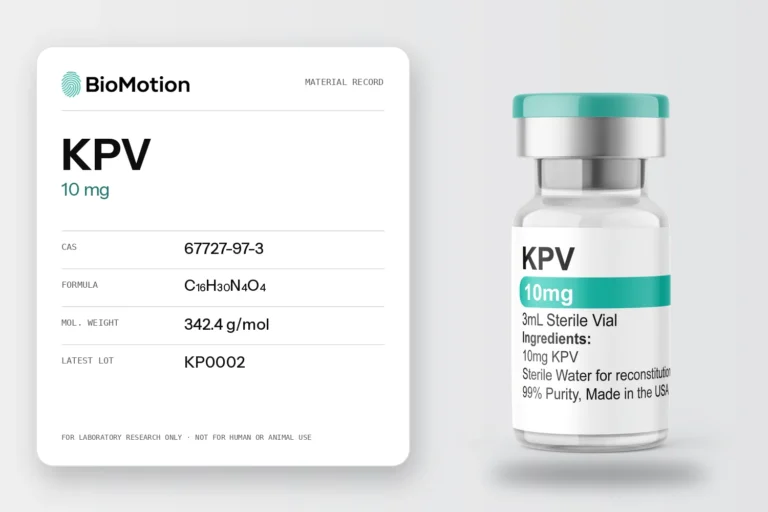
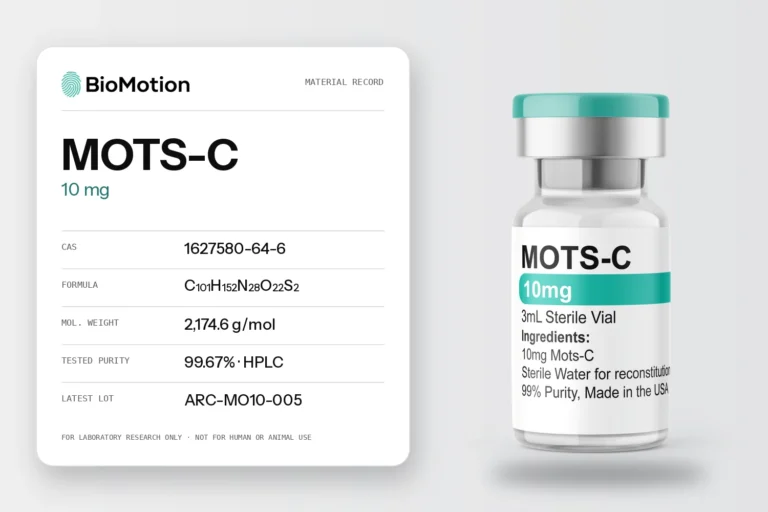
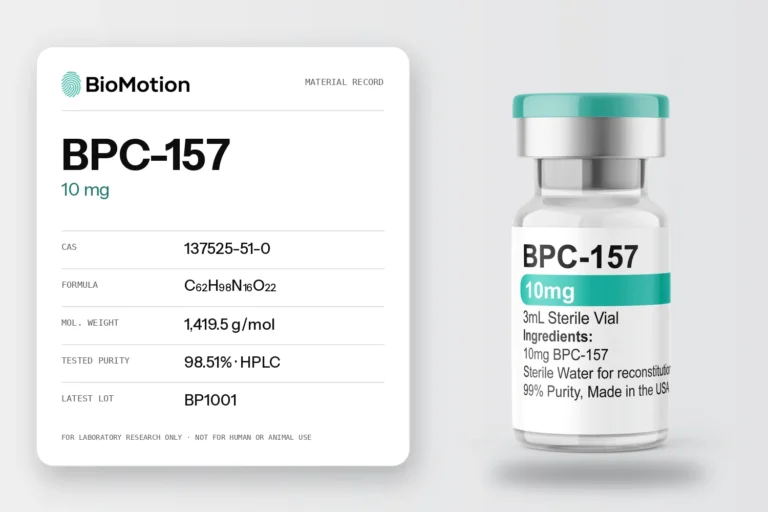
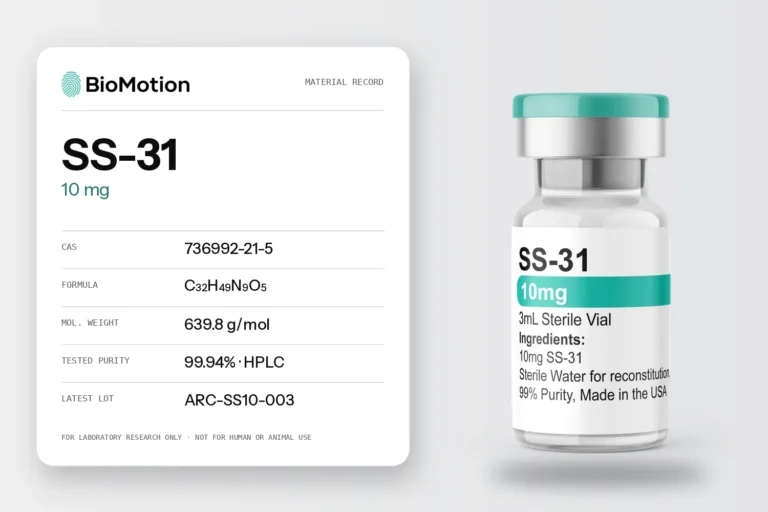
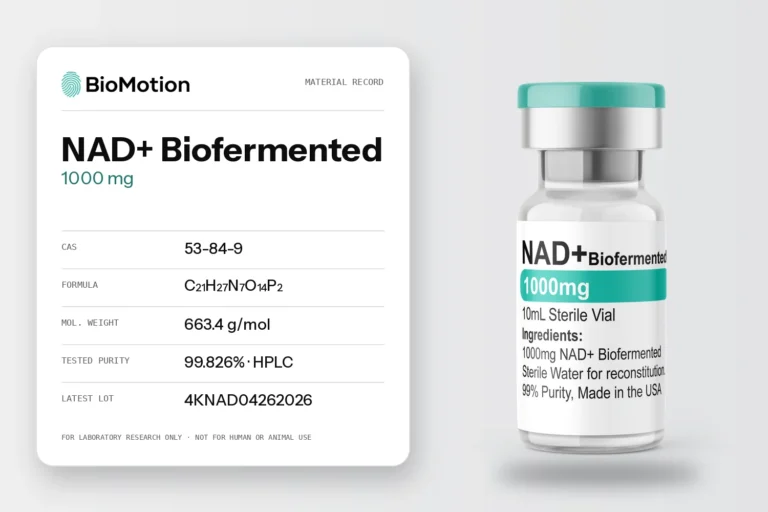
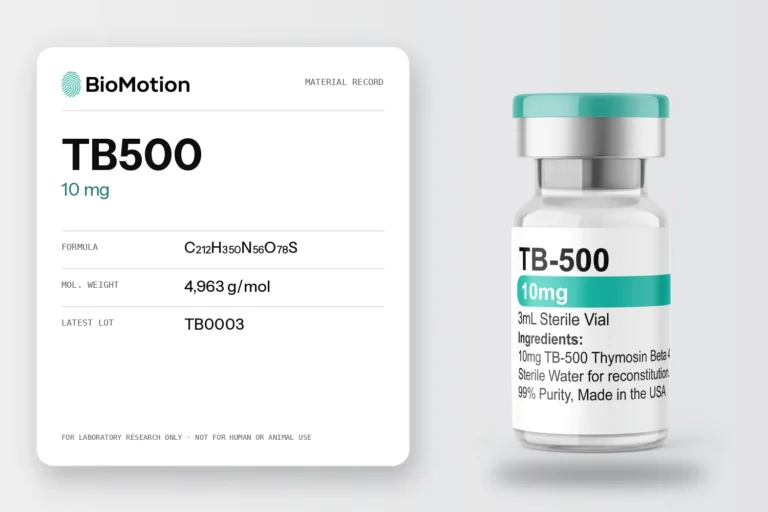
03 / LOT LOOKUP
Your vial has a lot.
Find its record.
Start with the identifier on your material. Compare the compound, labelled amount and lot code with the sample named in the original PDF.
Browse the lot libraryFROM THE ARCHIVE / EXAMPLE LOT RECORD

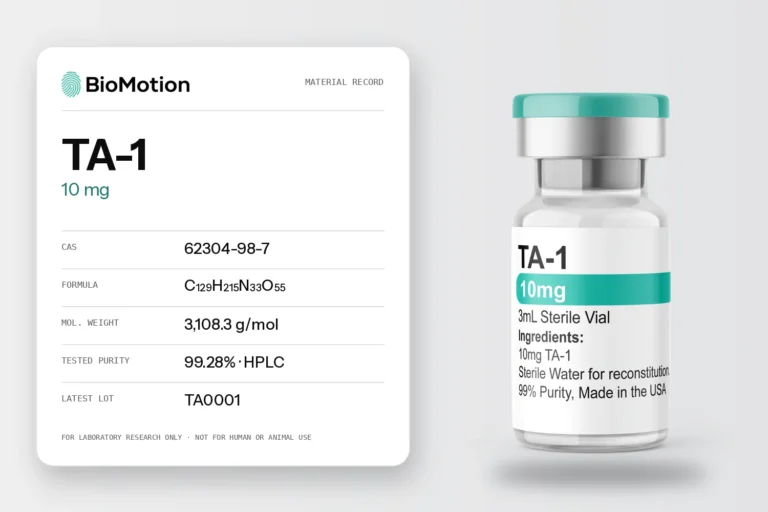
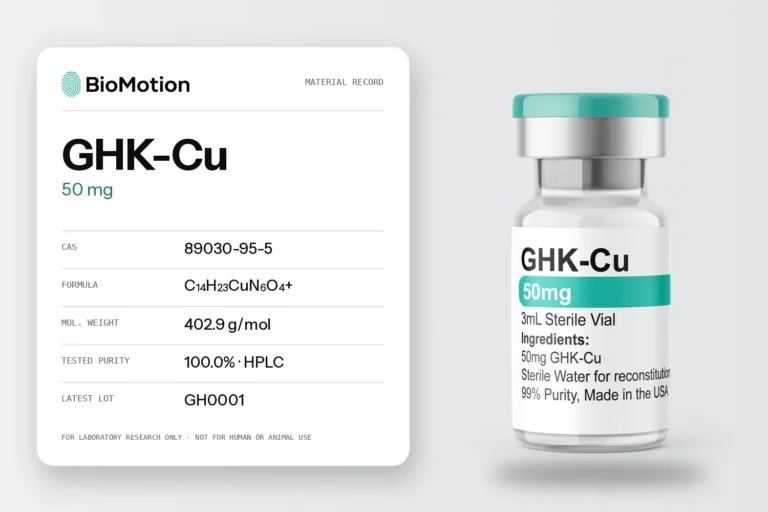
LOT RECORDTA-1 10 mg
- Lot
- TA0001
- Report date
- 11 Mar 2026
Scan to open the reportOpen the original PDF ↗
04 / THE PACKAGING
Inside the pack.
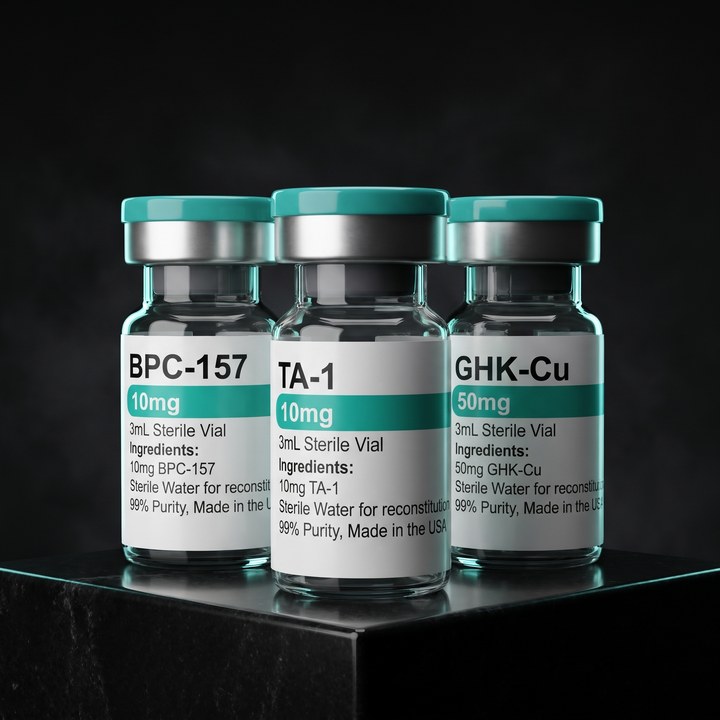
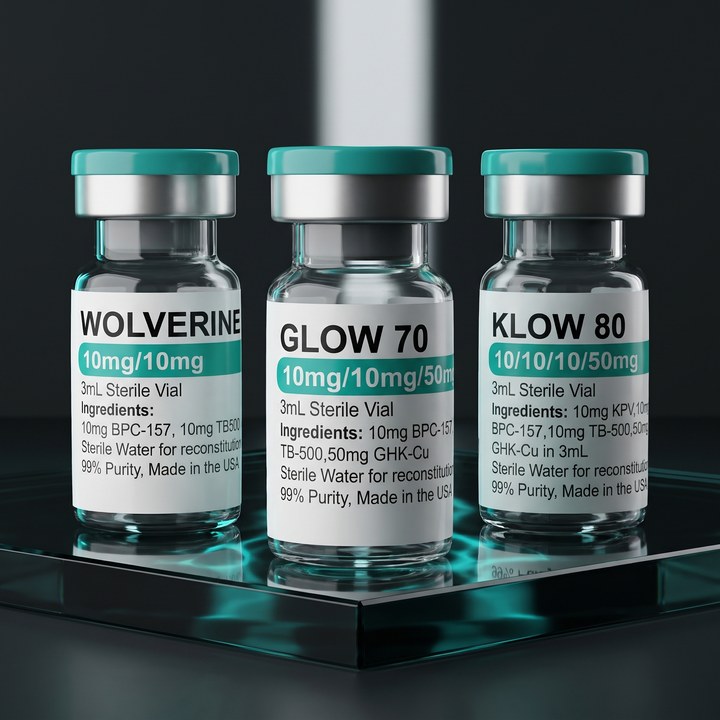
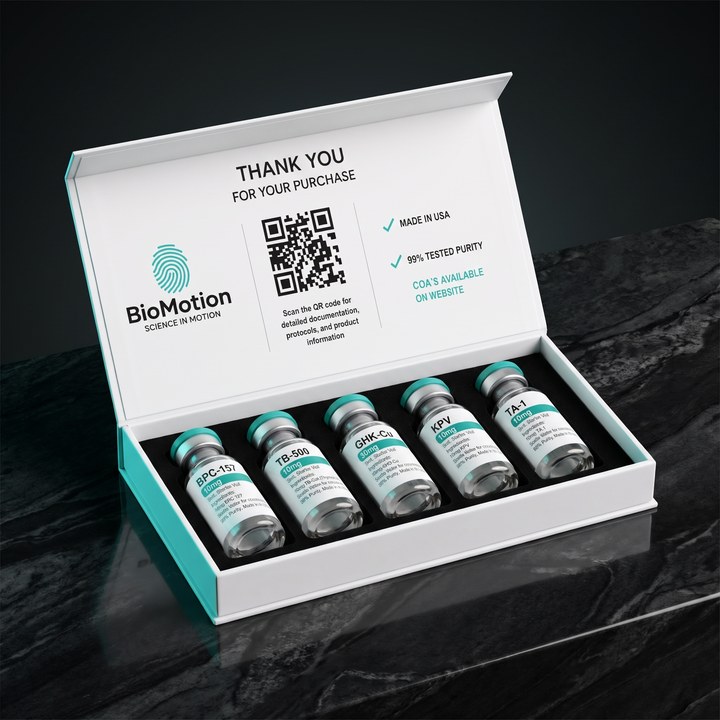
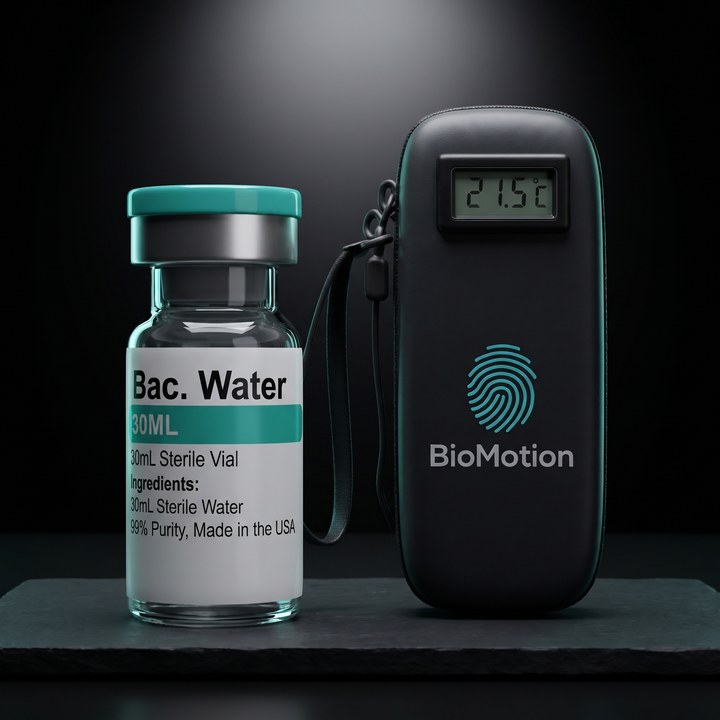
The fingerprint lives on the box. The label on every vial carries the compound, the amount and what is inside.
PACKAGING STUDY / 01
The vial label.
Start with the material name and amount. When a listing has more than one size, compare your selection with the label before matching a report.
Read the label guide
PACKAGING STUDY / 02
The case and insert.
The proposed presentation pairs a labelled vial with a printed BioMotion guide. Check the individual listing for the contents of a specific order.
Explore the BioMotion identity
PACKAGING STUDY / 03
The lab report.
Every lot leads back to a laboratory document. Find the lot printed on your label, then open the original report it belongs to.
Search the lot library

05 / READING THE EVIDENCE
What did the lab measure?
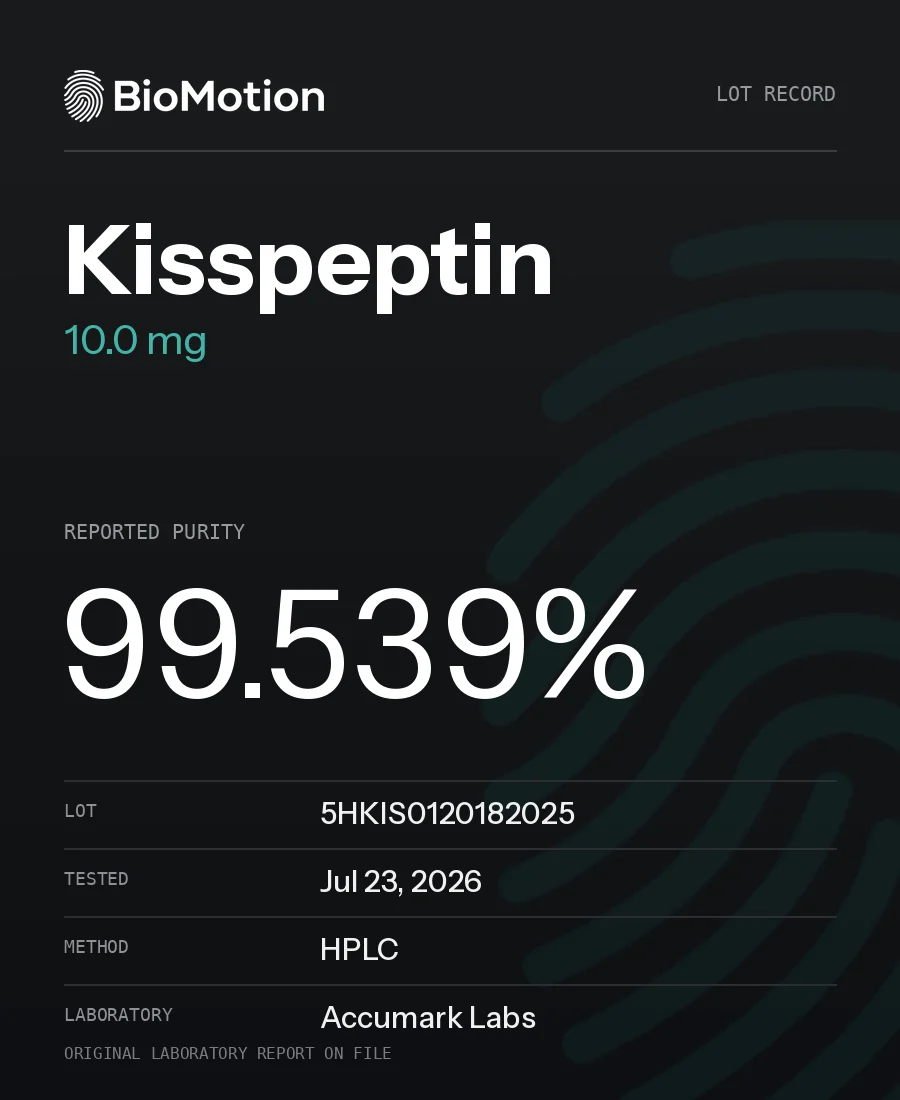
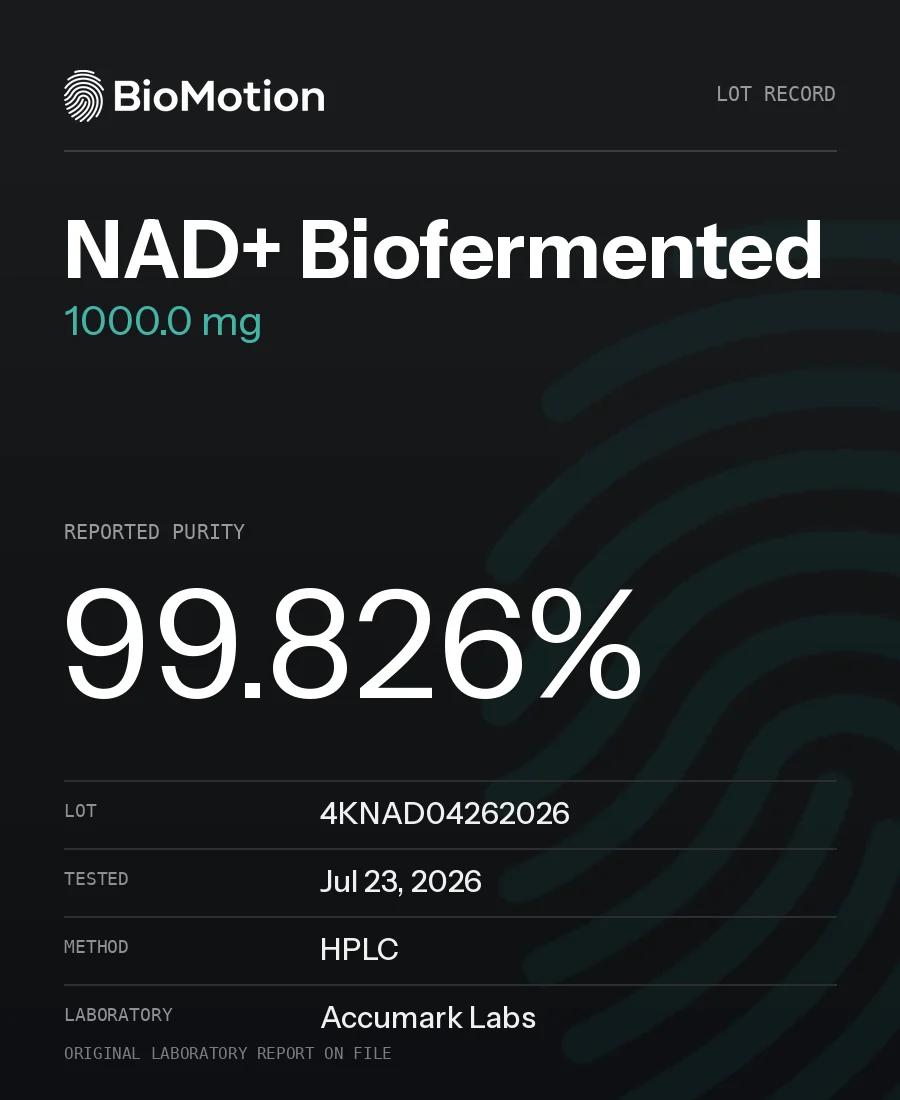
A single percentage doesn’t tell you which sample was tested or what the lab measured. Check these fields in the original report.
01
Sample identity
Does the named compound and lot match your label?
02
Method and result
Read each test beside its method, unit and reported result.
03
Date and status
Look for pending entries or limitations before you rely on a result.
FROM THE LAB
Recent reports.
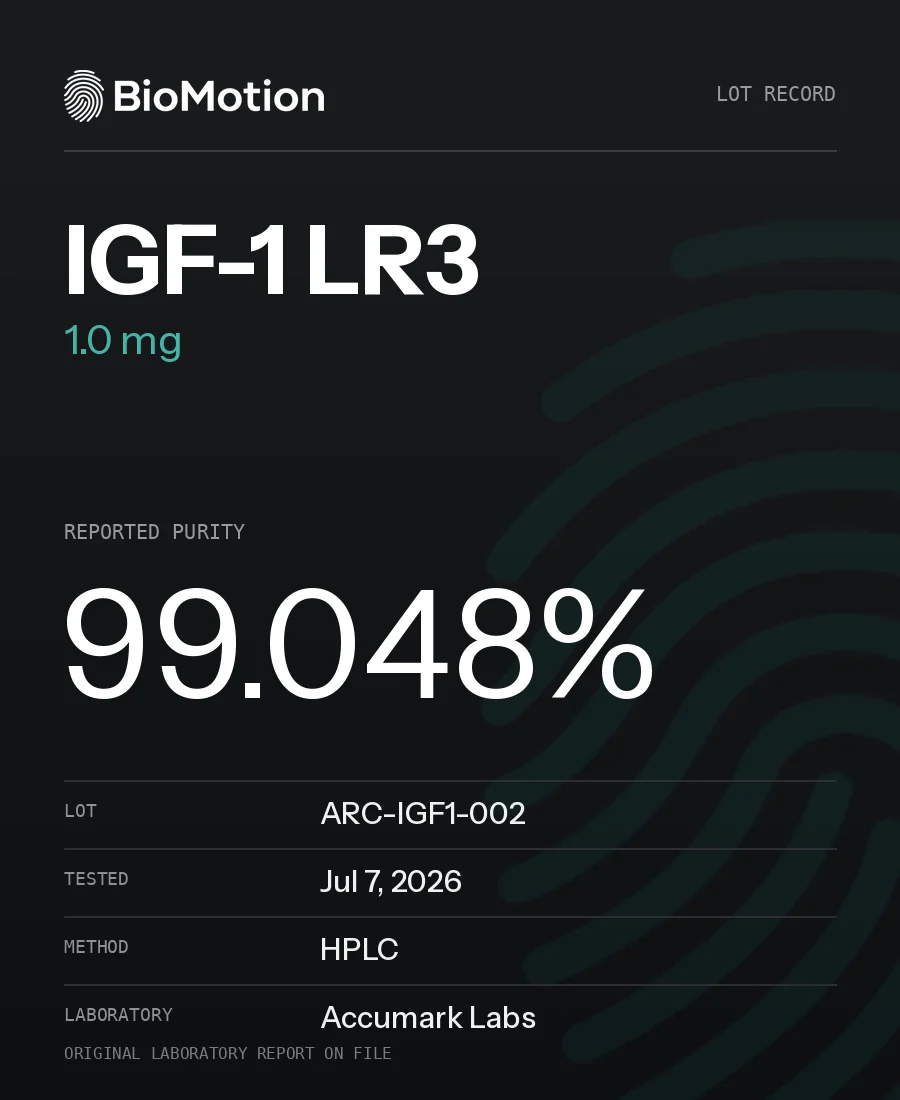
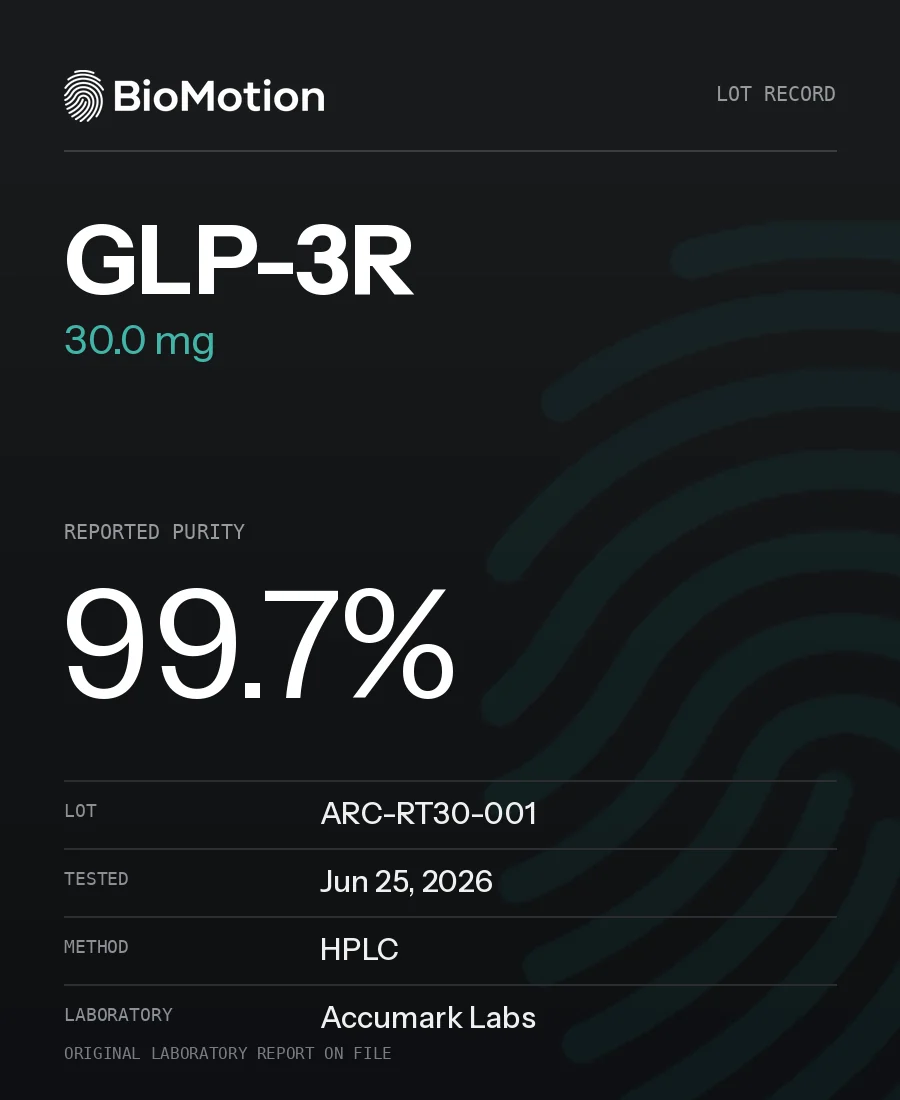
06 / ORDER DESK
Before you order.
Delivery in the U.S.
Review processing times, delivery methods and the current free-shipping threshold.
Read shipping policy ↗Something arrived wrong?
Keep the order number, label and packaging. The returns policy explains how to report a problem.
Read returns policy ↗Ask a material question.
Include the compound, presentation and lot so the team can find the right record.
Contact support ↗
TALK TO A PERSON
A question about your lot?
Ask the people who ship it.
Send the material, amount and lot number and the BioMotion team will find the matching record. Real people answer, every business day.
- Monday – Friday
- 9 AM – 4 PM Pacific
- support@biomotionlabs.com
How do I identify the right report?
Match the compound, amount and lot identifier with the original laboratory document. A result for a different sample does not describe the material in your hand.
How do I compare two amounts?
Open the product page and select the amount. Check the presentation, price and associated documentation for the selected option.
Where are shipping options shown?
Delivery methods, charges and destination availability are determined by the store at checkout. Review the shipping policy before ordering.
What if I cannot find my lot?
Contact the team with the compound name, amount and the lot exactly as it appears on the label. Ask for the original matching document.
Who can help with an existing order?
Use your account to view the order, or contact BioMotion with your order number. Do not include payment details in a support request.